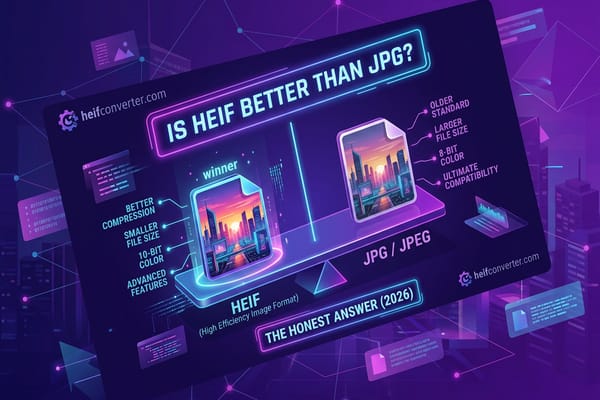
Is HEIF Better Than JPG?
Is HEIF better than JPG? Yes for quality and file size, no for compatibility. Here's exactly when each format wins — and what to use.
Read article →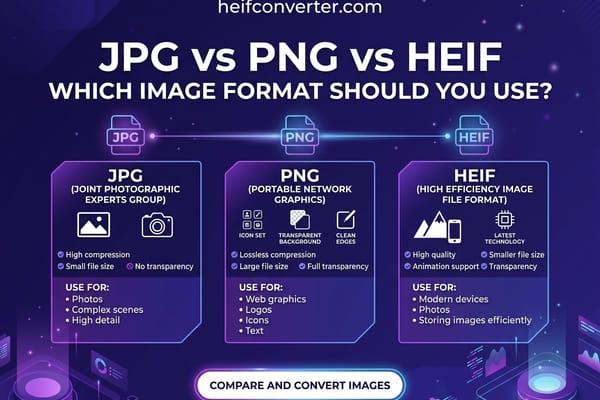
JPG vs PNG vs HEIF
JPG vs PNG vs HEIF compared side by side — file size, quality, transparency, and compatibility — so you can pick the right format every time.
Read article →
HEIF vs WebP
HEIF vs WebP compared on compression, browser support, and use cases. See which format wins for storage, sharing, and websites in 2026.
Read article →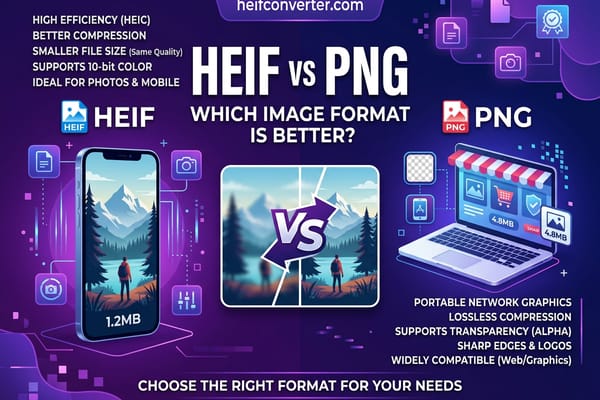
HEIF vs PNG
HEIF vs PNG compared on file size, quality, transparency, and compatibility — plus which to choose for photos, graphics, and the web.
Read article →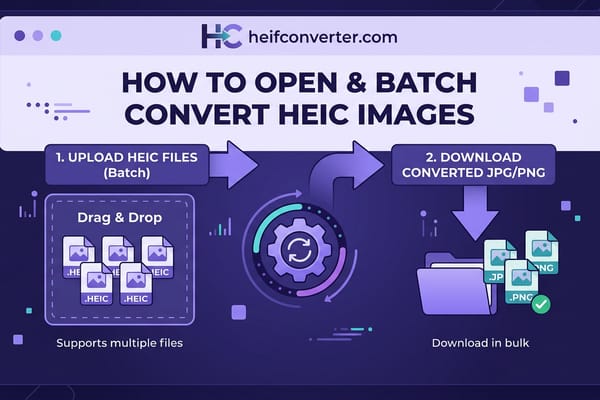
Batch Convert HEIC
Batch convert HEIC files to JPG, PNG, WebP, or PDF in one shot. The fastest free method for any device, plus Mac, Windows, Linux and iPhone alternatives.
Read article →
Open HEIF on Linux
Open HEIF and HEIC files on Linux. libheif install steps, GIMP and KDE workflows, the heif-convert command, and a browser-based zero-install path.
Read article →
Open HEIF on Android
How to open HEIF and HEIC files on Android — version-by-version support, Google Photos, Samsung Gallery, and a browser fallback for older phones.
Read article →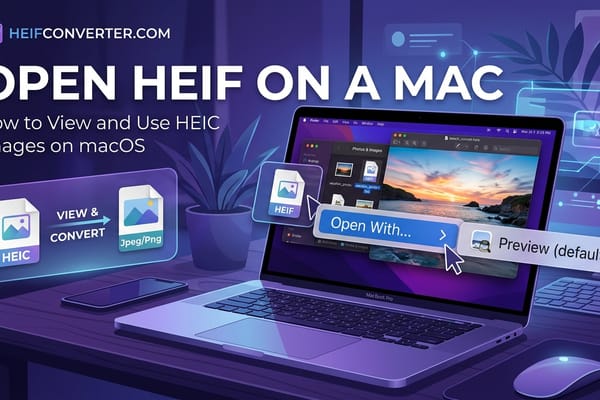
Open HEIC on Mac
How to open and convert HEIC files on a Mac. Native macOS support, Preview export, Finder Quick Actions, and the Photos app workflow.
Read article →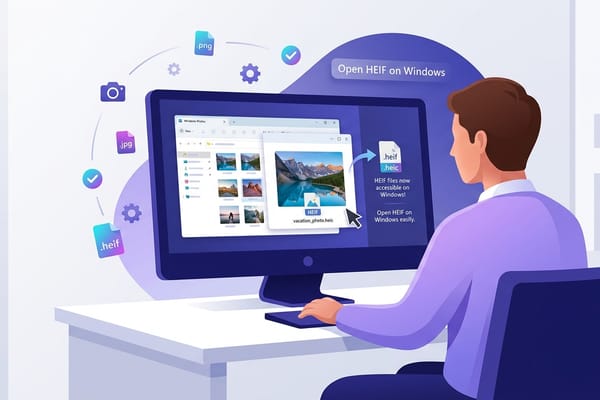
Open HEIC on Windows
How to open HEIC files on Windows 10 and Windows 11 — official Microsoft extensions, Paint conversion, and a no-install browser method that always works.
Read article →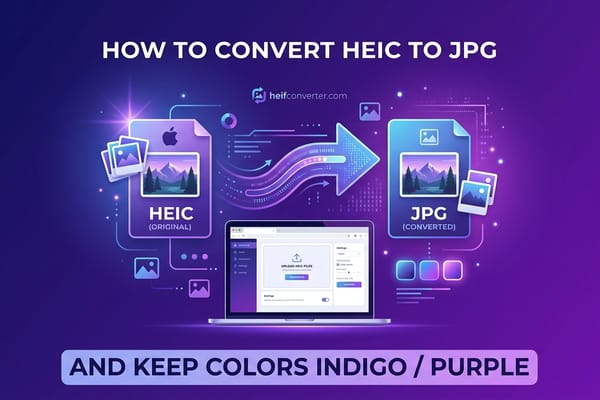
Convert HEIC to JPG
Convert HEIC to JPG for free in seconds — the easy way. Step-by-step methods for browser, Windows, Mac, iPhone, and Android.
Read article →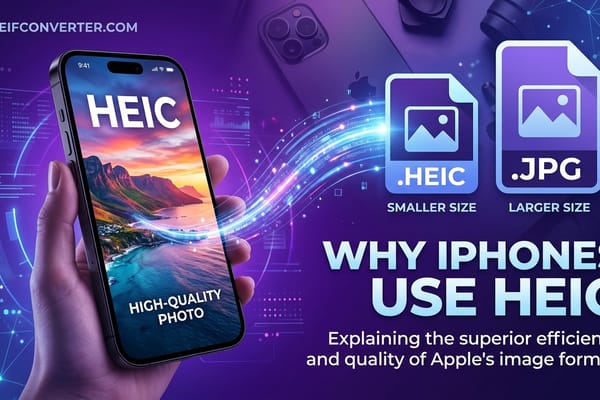
Why iPhones Use HEIC
The real reason Apple switched every iPhone to HEIC in 2017: storage, quality, and ecosystem control. Plus how to turn HEIC off if you don't want it.
Read article →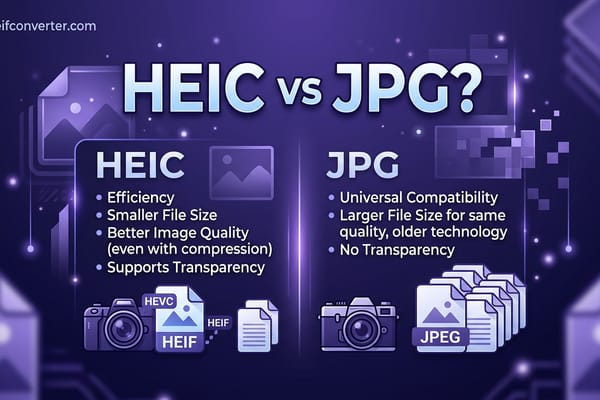
HEIC vs JPG
HEIC vs JPG for iPhone photos — storage savings, sharing, quality, and the recommended workflow for everyday use.
Read article →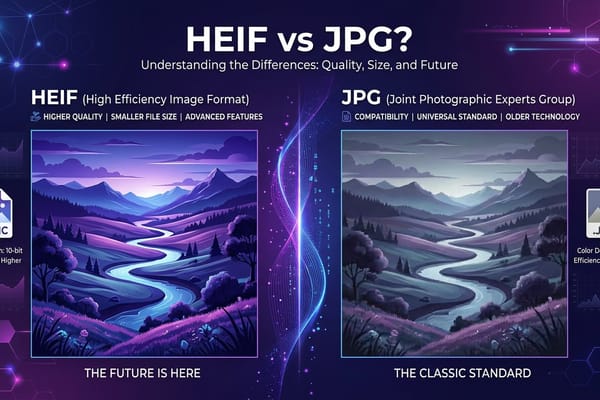
HEIF vs JPG
HEIF vs JPG side by side — file size, quality, compatibility, and a clear recommendation for which format to use when.
Read article →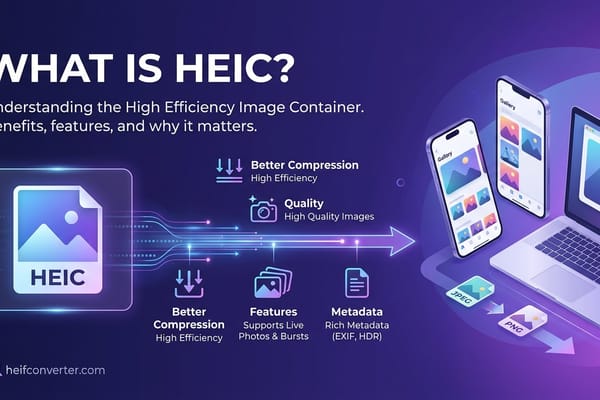
What is HEIC?
HEIC is the photo format every iPhone saves by default since iOS 11. Here's what it is, why Apple uses it, and how to open HEIC files on Windows, Android, or the web.
Read article →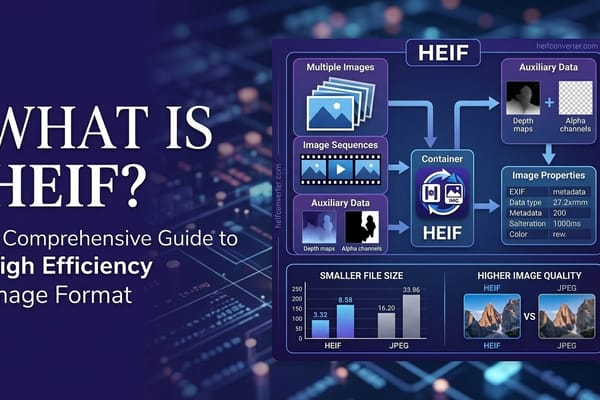
What is HEIF?
HEIF (High Efficiency Image File Format) cuts photo file size in half versus JPEG. A plain-English 2026 guide to what HEIF is, how it works, and why your computer struggles to open it.
Read article →