What Is HEIC? Understanding the iPhone Photo Format
If your iPhone photos end in ".heic" and won't open on your PC, you've met HEIC. It's the format Apple uses by default for every photo you take — and the reason so many people end up needing a converter. Here's exactly what it is, in plain language.
HEIC Definition
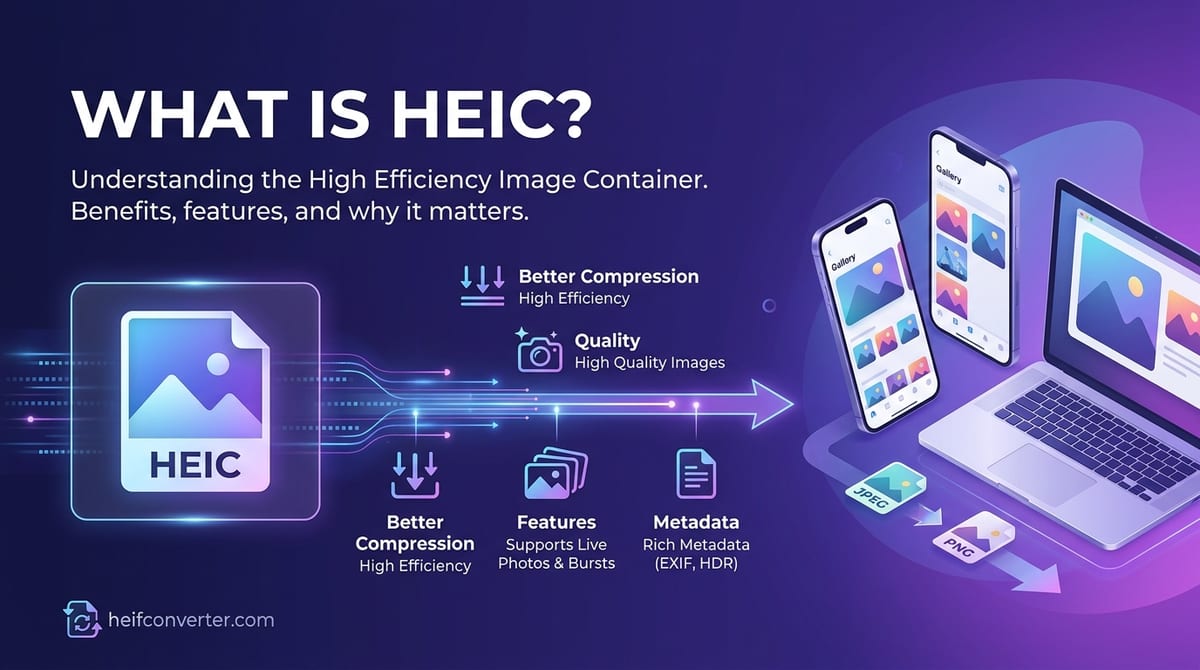
HEIC stands for High Efficiency Image Container. It's the file type Apple uses to store iPhone and iPad photos, and it's a specific version of the broader HEIF format. The simplest way to think about it:
HEIF is the format. HEIC is Apple's flavor of it. When a HEIF file compresses its images using the HEVC codec (the same technology behind high-efficiency video), it gets the .heic extension.
So every HEIC file is a HEIF file, but not every HEIF file is HEIC. For everyday purposes, the two terms get used interchangeably — and HEIC is the one you'll actually see on your phone.
Why HEIC Is Everywhere
Apple switched iPhones to HEIC as the default photo format in 2017 with iOS 11. Every iPhone, iPad, and recent Mac has saved photos this way ever since, unless the owner changed a setting. With well over a billion active Apple devices in the world, HEIC has quietly become one of the most common photo formats on the planet — even though most of the internet still can't display it. For the full story behind that decision, see why iPhones use HEIC.
What HEIC Does Well
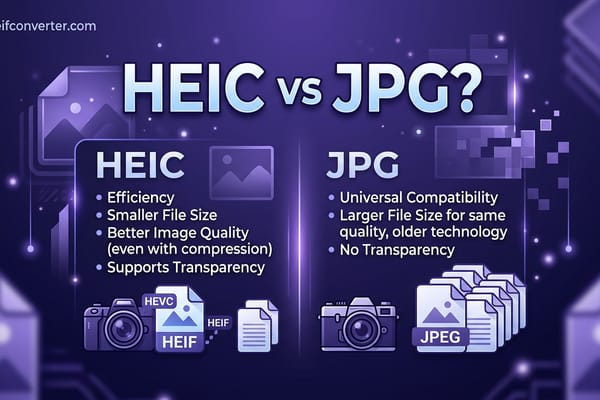
- Saves space: A HEIC photo is about half the size of the same photo as a JPEG, with no visible quality loss.
- Stores more: A single HEIC file can hold Live Photos, bursts, depth data for portrait blur, transparency, and edit history.
- Looks better: It supports richer color (up to 16-bit) for smoother skies and shadows.
The Catch: Compatibility
HEIC's biggest weakness is that most things outside Apple's ecosystem can't open it.
- Web browsers: Only Safari displays HEIC. Chrome, Firefox, and Edge show a broken image.
- Windows: Needs extra extensions from the Microsoft Store before the Photos app can read it.
- Android: Newer versions handle it; older ones can't without an app.
- Upload forms and printing: Many reject HEIC and demand JPG or PNG.
The reason is patent licensing. HEIC relies on the HEVC video codec, which is covered by a thicket of patents, so browser and software makers have largely avoided shipping support for it. That's why converting to a universal format is so often the quickest fix.
HEIC File Extensions You Might See
| Extension | What It Is |
|---|---|
.heic | A single HEVC-compressed image (the standard iPhone photo) |
.heics | A sequence of HEVC images, such as a Live Photo |
.heif | A HEIF image using a different codec |
Frequently Asked Questions
How do I open a HEIC file?
It opens automatically on Apple devices. On Windows or Android, install the right extension or app — or simply convert it to JPG for instant, universal access.
Should I stop my iPhone from shooting HEIC?
You can switch to JPG in Settings → Camera → Formats → Most Compatible. That keeps new photos universal, though you'll lose the storage savings.
Does converting HEIC to JPG reduce quality?
Only slightly, and the difference is invisible at normal settings. Choose PNG if you want a perfectly lossless copy.
Got HEIC files that won't open? Convert HEIC to JPG, PNG, or WebP right in your browser — free, private, and no upload required.