HEIC vs JPG: Which is Better for iPhone Photos?
Your iPhone shoots HEIC by default. Should you leave it that way, or switch to JPG? This is the practical, real-world version of the question — written for the person holding the phone, not the engineer reading the spec. Here's how the two formats actually affect your photos, your storage, and your ability to share.
The Short Version
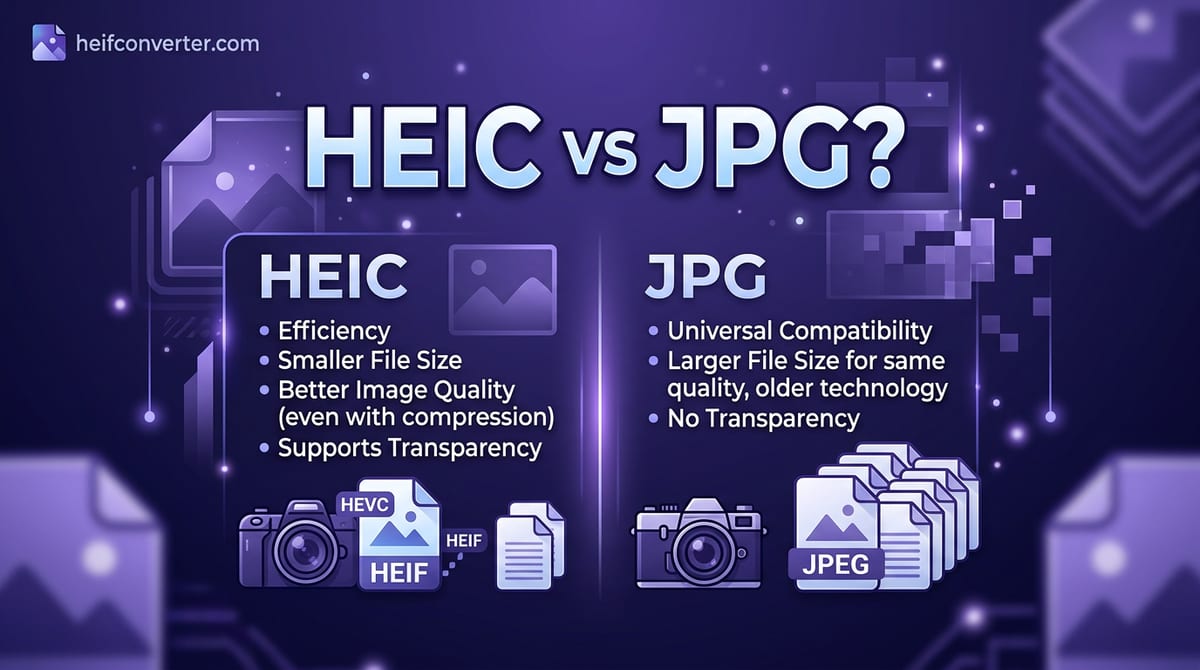
HEIC saves about half the storage space and looks slightly better. JPG opens on absolutely everything. If you mostly stay inside Apple's world and want to fit more photos on your phone, keep HEIC. If you regularly send photos to non-Apple users or upload them to websites, JPG saves you constant headaches. The middle path — and what most people should do — is shoot HEIC and convert to JPG only when sharing.
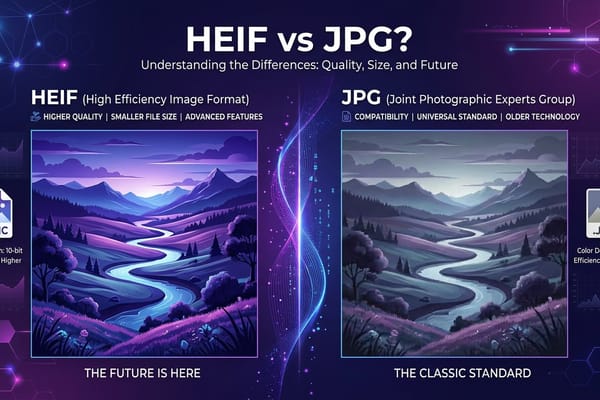
HEIC is Apple's version of the HEIF format; if you want the format-level technical comparison, see HEIF vs JPG. This article focuses on the day-to-day decision.
Storage: HEIC Saves Real Space
This is the reason Apple made HEIC the default. A HEIC photo is roughly half the size of the same shot saved as JPG. On a 128 GB iPhone, that can mean the difference between running out of space in a year versus two.
If you take a lot of photos and videos, never offload them, and constantly see "Storage Almost Full" warnings, HEIC is genuinely helping you. Switching everything to JPG would noticeably accelerate how fast your phone fills up.
Sharing: JPG Just Works
This is where HEIC causes the most frustration, and it's the flip side of the storage win:
- Texting or emailing a Windows or Android user? They may get a file that won't open.
- Uploading to a website or form? Many reject HEIC and ask for JPG.
- Posting somewhere online? Some platforms can't process it.
- Putting a photo on a website? It won't display in Chrome, Firefox, or Edge.
JPG sidesteps all of this. It's been the universal photo standard for over three decades and opens on every device, app, and browser in existence. You never have to wonder whether a JPG will work — it always does.
Helpfully, Apple often softens this problem: when you share HEIC photos through certain apps or email, your iPhone may automatically send a JPG copy. But this isn't guaranteed, which is why HEIC files still end up stuck on other people's devices so often.
Quality: A Slight Edge to HEIC
HEIC supports richer color and more efficient compression, so at the same file size it can look a touch better than JPG — smoother skies, cleaner detail, fewer compression artifacts. In practice, for a photo viewed on a phone or shared online, the difference is hard to spot. JPG quality is more than good enough for everyday photos. Treat quality as a minor factor in this decision, not the deciding one.
Side by Side
| What Matters to You | Better Choice |
|---|---|
| Saving phone storage | HEIC |
| Sharing with anyone, anywhere | JPG |
| Uploading to websites/forms | JPG |
| Best possible image quality | HEIC (slightly) |
| Staying inside Apple apps only | HEIC |
| Printing photos | JPG |
How to Switch Your iPhone to JPG
If the sharing headaches outweigh the storage savings for you, switch the camera to JPG:
- Open Settings
- Tap Camera, then Formats
- Select Most Compatible
From then on, new photos are saved as JPG. Note this doesn't convert the HEIC photos already in your library — for those, you'll still need to convert them. (Curious why Apple chose HEIC in the first place? See why iPhones use HEIC.)
Our Recommendation
For most people: leave HEIC on to save space, and convert to JPG on the rare occasions you need to share with a non-Apple device or upload somewhere. You keep the storage benefit every day and only spend a few seconds converting when it actually matters.
Switch to JPG full-time only if you share with Windows/Android users constantly and find the conversion step more annoying than the larger files.
Frequently Asked Questions
Is HEIC or JPG better for iPhone photos?
HEIC is better for saving storage and quality; JPG is better for sharing and compatibility. The best approach is to shoot HEIC and convert to JPG when needed.
Will I lose quality converting HEIC to JPG?
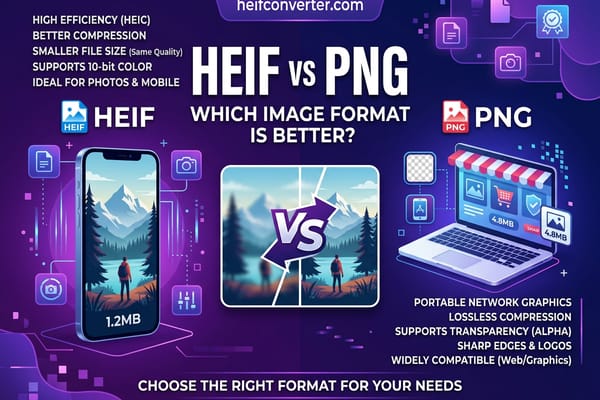
Only a small, usually unnoticeable amount. For a lossless copy, convert to PNG instead.
Why do my iPhone photos open on my friend's phone but not their laptop?
Newer phones often support HEIC while their laptop may not — especially Windows PCs without the right extension. Converting to JPG fixes it everywhere.
Does switching to JPG delete my existing HEIC photos?
No. Changing the setting only affects new photos. Your existing HEIC images stay exactly as they are.
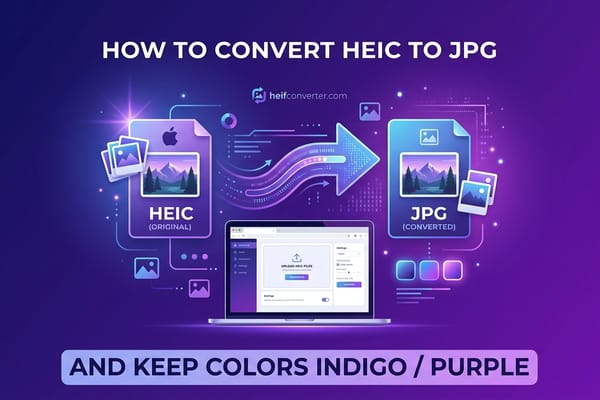
Already have HEIC photos you need to share? Convert HEIC to JPG in your browser — free, instant, and 100% private with no uploads.