What is HEIF? Format Explained Simply (2026)
HEIF is the image format quietly running on more than a billion phones — and the one most computers still struggle to open. If you've come across the term while wrestling with iPhone photos, here's a clear explanation of what HEIF actually is, where it came from, and why it matters.
HEIF Definition
HEIF stands for High Efficiency Image File Format. It's a modern standard for storing digital images, published by the Moving Picture Experts Group (MPEG) as the international standard ISO/IEC 23008-12. It was created to do what JPEG does — store photos — but far more efficiently and with many more capabilities.
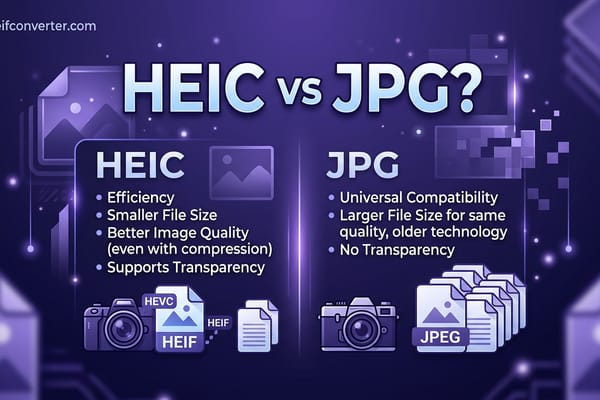
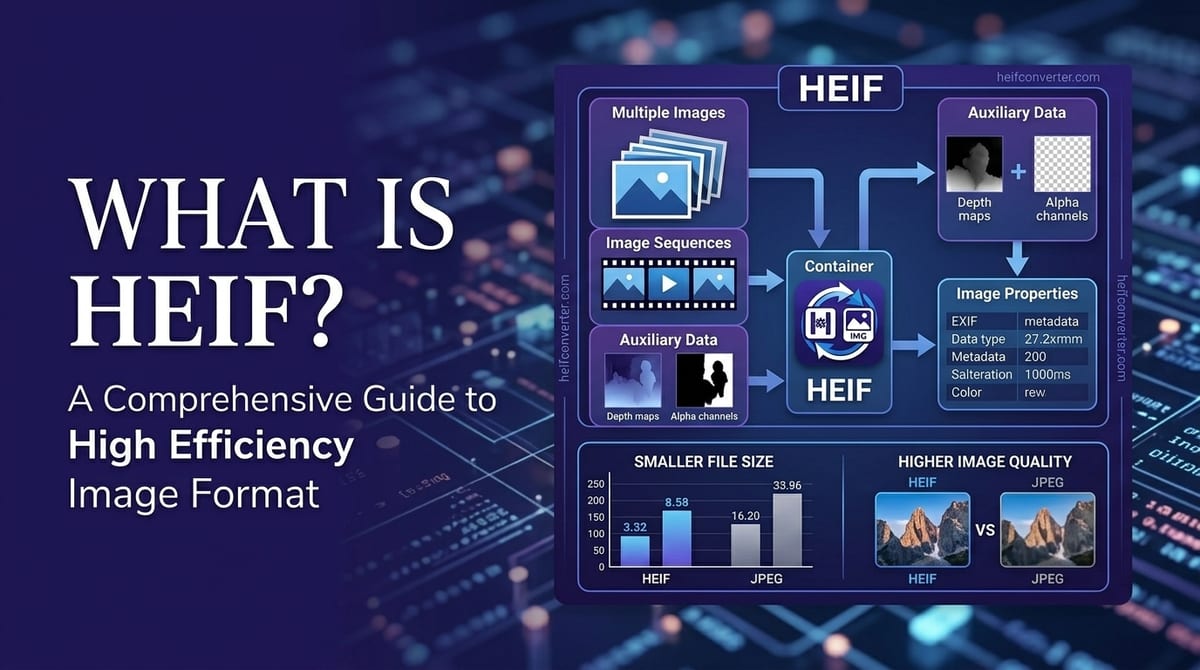
The headline feature is compression. A HEIF file holds an image at roughly half the file size of an equivalent JPEG while looking just as sharp. A photo that takes 5 MB as a JPEG might be only 2–3 MB as HEIF. Across thousands of photos, that adds up to gigabytes saved.
A Brief History
MPEG finalized the HEIF standard in 2015 as a successor to JPEG, which had been the default photo format since the early 1990s. HEIF was built on the same underlying technology as modern video (the ISO Base Media File Format), which is why it can store far more than a single flat picture.
The format went mainstream in 2017, when Apple adopted it as the default photo format on iPhones with iOS 11. That single decision put HEIF in the pockets of hundreds of millions of people almost overnight. Apple's version uses the .heic extension — more on that in our guide to HEIC.
What Makes HEIF Different
HEIF isn't just a smaller image — it's a container that can hold many things in a single file:
- Multiple images at once (photo bursts and Live Photos)
- Short image sequences and animations
- Transparency, like PNG
- Depth maps for portrait-mode background blur
- Non-destructive edits stored alongside the original
- Rich metadata, thumbnails, and color profiles
It also supports up to 16-bit color, compared to JPEG's 8-bit, which means smoother gradients in skies and shadows with less of the blocky "banding" older photos can show.
Benefits of HEIF
- Smaller files: Roughly half the size of JPEG at the same quality.
- Better quality: More color depth and fewer compression artifacts.
- More features: Transparency, depth, and multiple frames in one file.
- Storage savings: Fit far more photos on the same phone or drive.
Drawbacks of HEIF
- Limited compatibility: Most web browsers, older software, and many devices can't open it without help. Among major browsers, only Safari displays it directly.
- Patent licensing: The HEVC compression most HEIF files use is covered by patents, which is why browser makers have been slow to support it.
- Sharing friction: Send a HEIF photo to someone on Windows or Android and it may not open.
For a direct breakdown of how it stacks up against the format it was built to replace, see HEIF vs JPG.
Frequently Asked Questions
Is HEIF the same as HEIC?
Almost. HEIF is the overall format; HEIC is the most common version of it, used by Apple. Every HEIC file is a HEIF file, but not every HEIF file is HEIC.
How do I open a HEIF file?
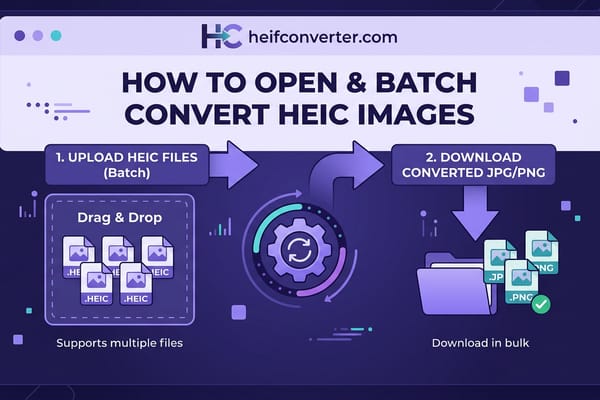
On a Mac or iPhone it opens automatically. On Windows or Android you may need an extension or app — or you can convert it to JPG in seconds for guaranteed compatibility.
Is HEIF better than JPG?
Technically yes — it produces smaller files with better quality. But JPG wins on compatibility, which is why converting HEIF to JPG is so common.
Need a HEIF or HEIC file in a universal format right now? Convert it to JPG, PNG, or WebP in your browser — free, instant, and completely private.