HEIF vs JPG: Key Differences & Which to Use
HEIF saves space and looks better. JPG opens everywhere. That trade-off is the whole story — but the details decide which one is right for you. This guide compares the two formats on file size, quality, compatibility, and real-world use, so you can choose with confidence.
The Quick Answer
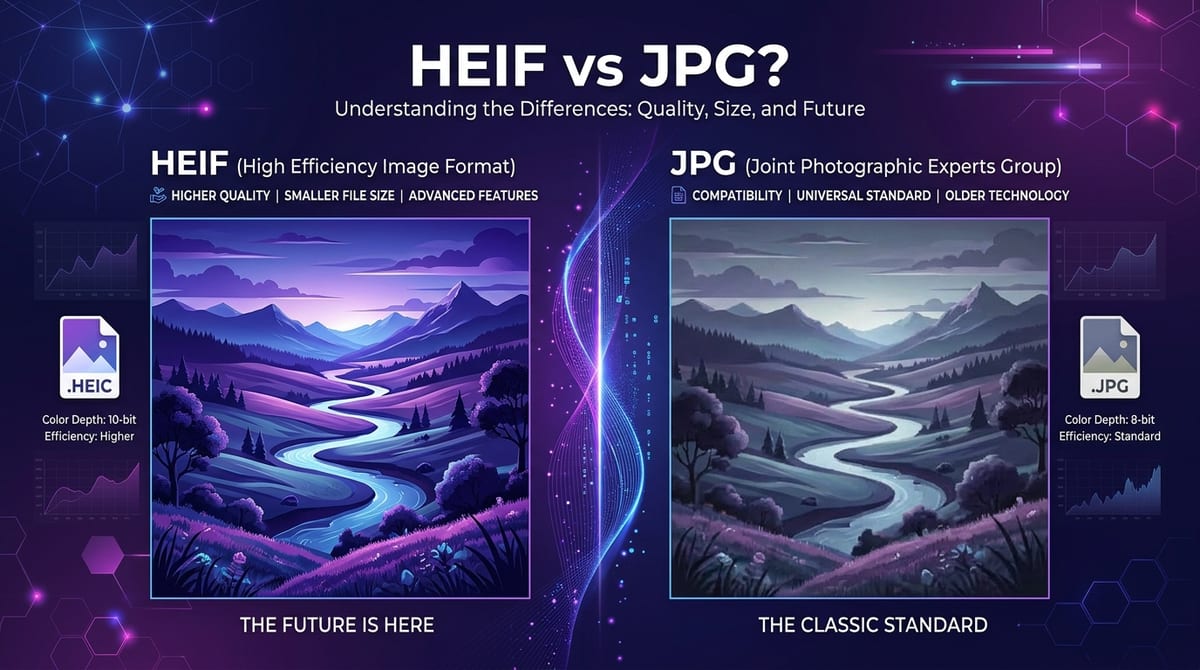
HEIF (High Efficiency Image File Format) is the newer, smarter format. JPG (also written JPEG) is the decades-old standard that runs everywhere. If storage and quality matter most and you're staying inside the Apple ecosystem, HEIF wins. If you need a photo that opens on any device, browser, or website without fuss, JPG wins. Most people end up shooting in HEIF and converting to JPG when they need to share.
At a Glance
| Feature | HEIF | JPG |
|---|---|---|
| File size | ~50% smaller | Larger |
| Color depth | Up to 16-bit | 8-bit |
| Transparency | Yes | No |
| Browser support | Safari only | All browsers |
| Device support | Limited | Universal |
| Released | 2015 | 1992 |
File Size: HEIF Wins Clearly
This is HEIF's biggest advantage. It uses modern HEVC compression to pack the same visual information into roughly half the space of a JPG. A typical 12-megapixel phone photo lands around 2–3 MB as HEIF versus 4–6 MB as JPG.
The practical impact is real. On a phone that shoots thousands of photos, HEIF can effectively double how many fit in the same storage. For anyone constantly running low on space, that's the single most compelling reason to leave HEIF turned on.
Image Quality: HEIF Has the Edge
At the same file size, HEIF generally looks better than JPG. Two reasons:
- More efficient compression means fewer of the blocky artifacts JPG shows in fine detail and around sharp edges.
- 16-bit color (versus JPG's 8-bit) produces smoother gradients, so skies and shadows show less of the stepped "banding" effect.
In honesty, for a snapshot viewed on a phone screen, most people won't notice the difference. The gap becomes visible in demanding situations: large prints, heavy editing, or images with subtle gradients. JPG's quality is perfectly good for everyday use — HEIF is simply better when pushed.
Compatibility: JPG Wins by a Mile
Here JPG dominates, and it's not close. JPG has been the universal standard for over 30 years. It opens on every phone, computer, browser, camera, printer, and website ever made. You never have to think about whether a JPG will open — it just does.
HEIF is the opposite. Among major web browsers, only Safari displays it. Chrome, Firefox, and Edge — which together serve the vast majority of web traffic — show a broken image. Windows needs extra extensions installed before it can read HEIF, and older Android phones can't open it at all. The root cause is the HEVC codec's complicated patent licensing, which has made software makers reluctant to add support.
This single weakness is why HEIF, despite being technically superior, hasn't replaced JPG — and why converting between them is such a common task.
Features: HEIF Does More
JPG is a flat, single-image format. HEIF is a container that can store transparency, depth maps for portrait blur, photo bursts, Live Photos, edit history, and richer metadata — all in one file. If you rely on those features, JPG simply can't match it. For most basic photo sharing, though, the extra capabilities don't come into play.
When to Use Each
Use HEIF when:
- You're saving photos on an iPhone, iPad, or Mac and want to conserve storage
- You're staying within Apple's ecosystem (Photos, AirDrop, iCloud)
- Quality and color depth matter and compatibility isn't a concern
Use JPG when:
- You're sharing photos with people on Windows or Android
- You're uploading to a website, form, or social platform
- You're printing photos or sending them to a print service
- You want a file you'll definitely be able to open years from now
The Practical Recommendation
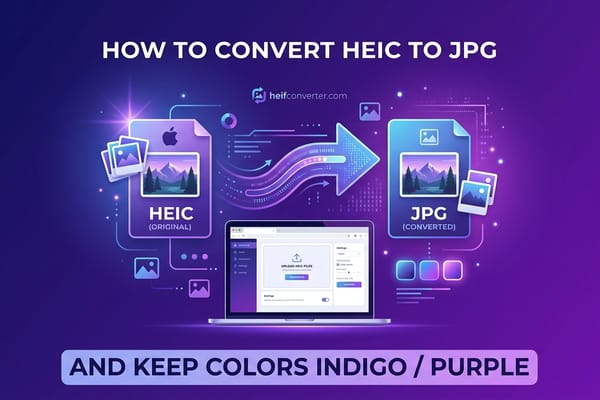
You don't have to pick a side. The smart approach for most people is to keep shooting in HEIF to save space, then convert to JPG only when you need to share or upload. You get the storage benefit at capture time and universal compatibility when it matters.
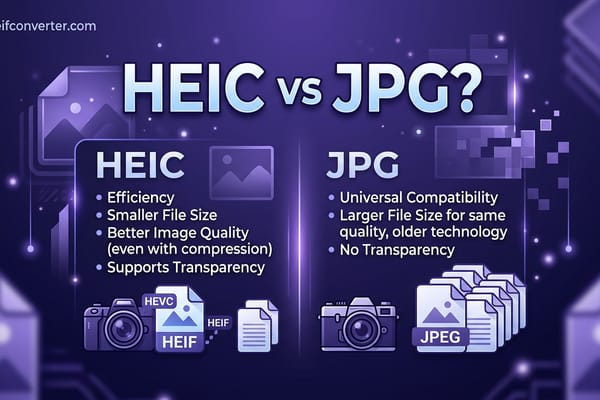
If you'd rather not deal with conversion at all, you can switch your iPhone to shoot JPG directly under Settings → Camera → Formats → Most Compatible — at the cost of larger files. (Note that on iPhones, HEIF photos carry the .heic extension; the practical comparison is nearly identical, covered in HEIC vs JPG.)
Frequently Asked Questions
Is HEIF better than JPG?
Technically, yes — smaller files and better quality. But JPG's universal compatibility makes it the more practical choice for sharing, which is why both formats remain in heavy use.
Does converting HEIF to JPG lose quality?
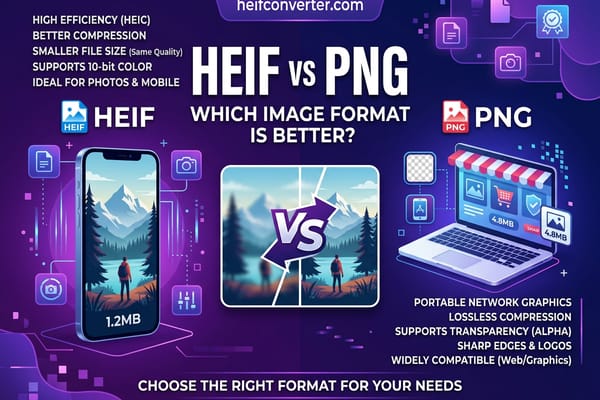
There's a small, usually invisible quality reduction. For everyday photos it doesn't matter. If you need a perfect copy, convert to PNG instead.
Why won't my HEIF photos open?
Because the device or browser lacks HEIF support — common on Windows, Android, and every browser except Safari. Converting to JPG solves it instantly.
Will JPG eventually replace HEIF, or the other way around?
Neither looks likely soon. Newer web formats like WebP and AVIF are emerging as the modern web's preferred options, while JPG remains the universal fallback and HEIF stays dominant on Apple devices.
Need to turn a HEIF or HEIC file into a JPG? Convert it in your browser in seconds — free, private, with no upload to any server.