How to Open HEIF Files on an Android System
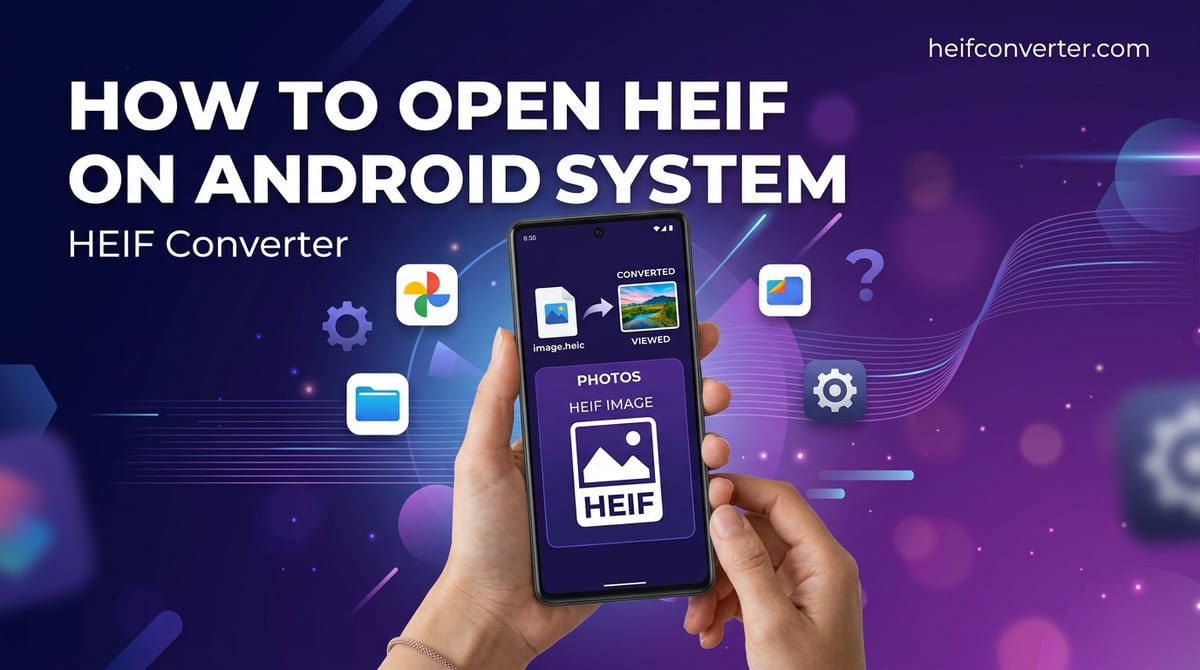
Someone sends you an iPhone photo, and your Android phone shows a blank thumbnail or "can't open this file." Whether HEIC works on your phone depends almost entirely on your Android version — and where it doesn't, there are quick fixes. Here's how to open these files on any Android device.
First, Check Your Android Version
HEIC is Apple's photo format, built on the HEIF standard, and Android's support for it has improved over the years. Support depends on your version, which you can find under Settings → About phone → Android version.
| Android Version | HEIC Support |
|---|---|
| Android 12 and newer | Native — opens in most gallery apps |
| Android 10–11 | System-level support; some gallery apps still struggle |
| Android 9 and older | No native support — needs an app or conversion |
Google added HEIC reading at the operating-system level in Android 10, and by Android 12 most built-in gallery apps display it reliably. If you're on a recent phone, your HEIC files probably already open — and if a specific app fails, the methods below will help.
Method 1: Google Photos (Works Almost Everywhere)
Google Photos is the most reliable way to open HEIC on Android, and it handles the format even on some older versions where the stock gallery can't. It's pre-installed on most phones:
- Open the Google Photos app (install it from the Play Store if needed).
- Find and tap the HEIC image to view it.
- To keep a universal copy, tap the menu and choose Save or edit and save a copy — Google Photos typically saves it as a JPG.
Method 2: Files by Google
The Files by Google app includes its own decoders and can often preview HEIC images even when your system gallery cannot. It also shows local files and works offline, which makes it a handy fallback on devices where Google Photos isn't set up.
Method 3: Samsung Gallery (Samsung Phones)
If you have a Samsung device, the built-in Samsung Gallery supports HEIC natively on phones running One UI 2.0 (Android 10) or later — which covers the Galaxy S10 series and newer, recent A-series models, and newer tablets. No setup is needed; HEIC photos appear and open like any other image. On older One UI versions, fall back to Google Photos.
Method 4: Convert in Your Browser (Any Android Phone)
This is the universal fix — it works on every Android version, including old ones with no HEIC support at all, and installs nothing:
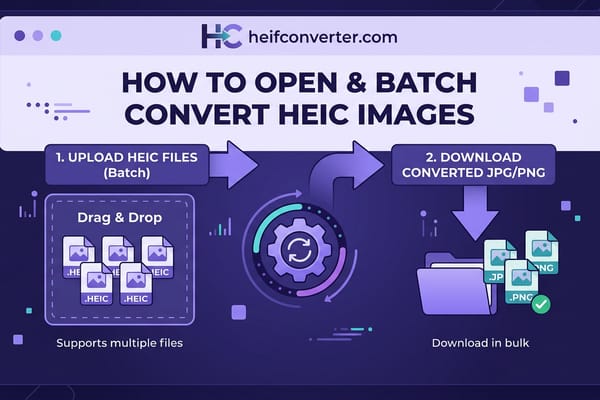
- Open the HEIC converter in Chrome or any mobile browser.
- Tap to select the HEIC file from your phone.
- Choose JPG (or PNG).
- Download the converted image to your device.
Because the conversion happens locally in your browser, the photo never leaves your phone. This is the simplest option if you need to open or re-share a HEIC file on an older device.
Method 5: Fix It on the iPhone End
If the photos come from an iPhone you control — or you can ask the sender — the cleanest fix is to have them shoot or send JPG. On the iPhone, open Settings → Camera → Formats and choose Most Compatible. From then on, photos save as JPG and open on any Android phone without trouble.
Why Doesn't My Android Phone Open HEIC?
If your phone won't open a HEIC file, the cause is almost always one of these:
- Older Android version (9 or below) with no native support — use Google Photos or convert.
- A gallery app that lags behind the OS — try opening the file in Google Photos instead.
- A corrupted or incomplete download — ask the sender to re-send the original.
Frequently Asked Questions
Can Android open HEIC files?
Yes, on Android 10 and newer at the system level, with reliable gallery support from Android 12 on. Older versions need Google Photos, Files by Google, or a converter.
What's the easiest way to open HEIC on an old Android phone?
Open it in Google Photos, which handles HEIC on many older devices. If that fails, convert the file to JPG in your browser.
How do I convert HEIC to JPG on Android?
Use a browser-based converter, or open the file in Google Photos and save a copy, which produces a JPG. See our full conversion guide.
Why do HEIC photos show as blank thumbnails on my phone?
Your phone or gallery app lacks HEIC support, usually on Android 9 or older. Opening the file in Google Photos or converting it to JPG fixes the display.
Does my Samsung phone support HEIC?
Yes, if it runs One UI 2.0 (Android 10) or later. The Samsung Gallery app opens HEIC natively on those models.
On an older Android phone or an app that won't cooperate? Convert HEIC to JPG right in your browser — free, instant, and private, with no upload.