HEIF vs WebP: Key Differences & Which to Use
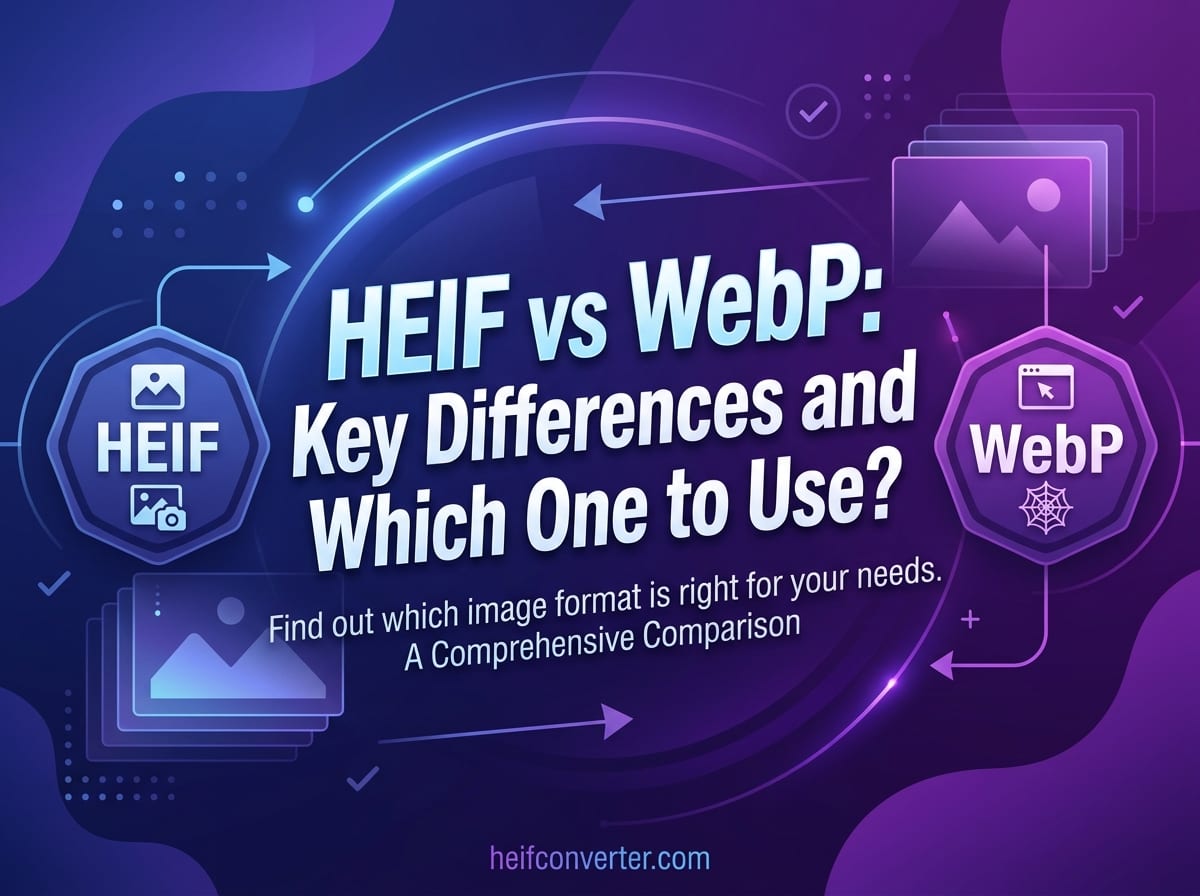
Both HEIF and WebP promise smaller files and better quality than JPEG — but they were built for almost opposite worlds. HEIF rules the camera roll; WebP rules the web. Choosing between them comes down to one question: where will the image actually be used? This guide compares them on compression, quality, support, and real-world use.
The Short Answer
HEIF (High Efficiency Image File Format) is the better choice for storing and capturing photos, especially on Apple devices, where it delivers the smallest files at the highest quality. WebP is the better choice for the web, where its near-universal browser support means images actually display for visitors. They don't really compete head-to-head — they each dominate a different stage of a photo's life.
At a Glance
| Feature | HEIF | WebP |
|---|---|---|
| Developed by | MPEG (2015) | Google (2010) |
| File size vs JPEG | ~50% smaller | ~25–35% smaller |
| Browser support | Safari only | ~97% (all modern browsers) |
| Transparency | Yes | Yes |
| Animation | Yes (sequences) | Yes |
| Main use | Phone photo storage | Web images |
Compression: HEIF Has a Slight Edge
Both formats beat JPEG significantly, but HEIF generally compresses harder. HEIF files are roughly 50% smaller than JPEG at equivalent quality, while WebP typically lands around 25–35% smaller. For pure file-size efficiency on a photograph, HEIF usually comes out ahead.
That said, the gap is smaller than it looks in practice. WebP's compression is more than good enough for the web, and its lossless mode is also about 26% smaller than PNG — handy for graphics. The real difference between these two formats isn't compression; it's where they're supported.
Browser Support: WebP Wins Decisively
This is the single most important difference. WebP is supported by roughly 97% of browsers — every modern version of Chrome, Firefox, Edge, Safari, and Opera renders it without any plugins. That makes it safe to use as the main image format on a website.
HEIF is the opposite. Among major browsers, only Safari displays it; Chrome, Firefox, and Edge show a broken image. The reason is patent licensing around the HEVC compression HEIF relies on, which has kept browser makers from shipping support. The result: WebP is web-ready out of the box, while HEIF is effectively unusable on most of the open web. For more on why, see what HEIF is.
Quality and Features
Both formats support transparency, animation, and modern compression, so on paper they're closely matched. HEIF edges ahead on raw image fidelity — it supports richer color depth and stores extras like depth maps for portrait blur, which is why Apple uses it for iPhone photos. WebP's strength isn't extra features; it's the combination of solid compression with the universal compatibility that HEIF lacks. For everyday photos, the visible quality difference between the two is minimal.
Where Each Format Lives
The cleanest way to think about it is by stage:
- HEIF lives on your phone and in your photo library. It's how the image is captured and stored, prioritizing quality and space.
- WebP lives on websites. It's how the image is delivered to visitors, prioritizing fast loading and broad compatibility.
In a typical workflow, a photo starts as HEIF on an iPhone and gets converted to WebP (or JPEG) when it's published online. They complement each other more than they compete.
When to Use Each
Use HEIF when:
- You're capturing or storing photos, especially on Apple devices
- You want the smallest possible files for a large photo library
- The images stay within a compatible ecosystem
Use WebP when:
- The images are going on a website or web app
- You need small files that display in every browser
- You want one format that handles photos, graphics, transparency, and animation
For a fuller breakdown of the best format for sites specifically, see our guide to the best image format for websites.
Frequently Asked Questions
Is HEIF better than WebP?
For storing photos, HEIF compresses slightly better and supports richer features. For the web, WebP is clearly better because it displays in nearly every browser while HEIF does not.
Which has smaller files, HEIF or WebP?
HEIF is usually a bit smaller for photographs (~50% vs JPEG, compared to WebP's ~25–35%), but WebP's compatibility makes it the more practical choice online.
Can I use HEIF on my website?
Not reliably. Only Safari displays HEIF, so most visitors would see a broken image. Convert to WebP or JPEG for web use.
Should I convert HEIC to WebP?
Yes, if the images are for a website — WebP gives you small files with universal browser support. For general sharing, JPG is the safest universal choice.
Need to turn HEIF or HEIC photos into web-ready WebP? Convert them in your browser — free, instant, and fully private, with no upload.