Why Do iPhones Use HEIC Instead of JPG?
Apple switched every iPhone to HEIC in 2017 — and most owners never noticed until a photo wouldn't open somewhere. So why did Apple move away from the universally compatible JPG to a format much of the world still can't read? The answer comes down to storage, quality, and Apple's control over its own ecosystem.
The Short Answer: Storage
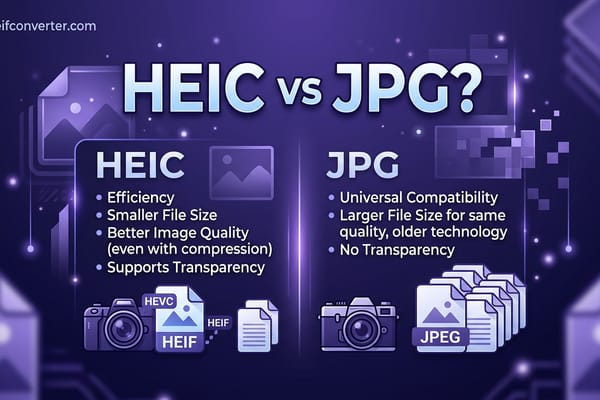
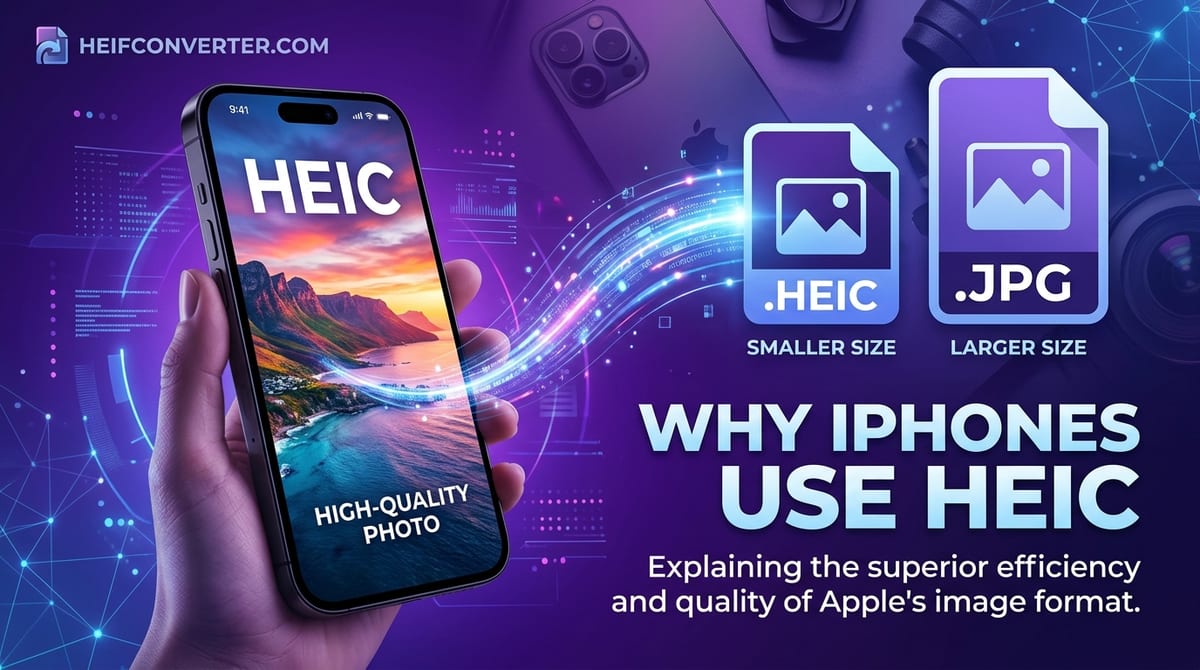
The single biggest reason is space. HEIC files are roughly half the size of JPGs at the same quality. When Apple adopted HEIC with iOS 11 in 2017, iPhone cameras were getting better, photos were getting larger, and people were taking more of them than ever. Doubling how many photos fit on a phone — without charging customers for more storage — was a major practical win.
For Apple, it also eased pressure on iCloud storage, where the company stores billions of customers' photos. Smaller files mean lower costs and faster syncing across devices.
Better Photos, Not Just Smaller Ones
HEIC isn't only about saving space — it genuinely improves image quality. Compared to JPG, the format supports:
- Richer color — up to 16-bit versus JPG's 8-bit, for smoother skies and shadows
- More efficient compression — fewer of the blocky artifacts JPG produces
- Modern camera features — depth maps for portrait-mode blur, Live Photos, and bursts, all stored in a single file
Many of the iPhone's signature camera tricks — portrait blur, Live Photos, advanced editing you can undo later — are easier to deliver with a flexible container format like HEIC than with a flat, single-frame JPG.
Apple Controls the Whole System
Apple could adopt HEIC confidently because it controls both the hardware and the software. The iPhone's camera chip, the operating system, the Photos app, AirDrop, and iCloud were all updated to handle HEIC seamlessly. Inside Apple's ecosystem, the format is invisible — photos just open, share, and sync without you ever seeing a ".heic" extension.
The friction only appears at the edges, when a HEIC photo leaves Apple's world and lands on a Windows PC, an Android phone, or a website running in Chrome. That's also why HEIC didn't break things for most users at launch: as long as you stayed within Apple's apps, you never noticed the change.
Why the Rest of the World Hasn't Caught Up
If HEIC is so much better, why can't most browsers and PCs open it? The answer is patent licensing. HEIC relies on the HEVC video codec, which is covered by patents held by several different licensing groups. The royalty structure is complicated and contested, so browser makers like Google and Mozilla have largely declined to ship HEIC support.
Apple sidesteps this because its devices already license HEVC for video playback — so Safari can reuse that decoder for images. Chrome, Firefox, and Edge have no such shortcut, which is why they still show a broken image when faced with a HEIC file. The result is a format that's technically excellent but practically isolated to Apple's ecosystem.
Can You Turn HEIC Off?
Yes. If the compatibility hassles outweigh the storage savings for you, switch your iPhone back to JPG:
- Open Settings
- Tap Camera, then Formats
- Choose Most Compatible (instead of High Efficiency)
New photos will save as JPG. Your existing HEIC photos stay as they are, so for those you'll want to convert them to JPG when you need to share. For a fuller breakdown of the trade-off, see HEIC vs JPG.
The Bottom Line
iPhones use HEIC because it stores better-looking photos in half the space, supports Apple's modern camera features, and works flawlessly within Apple's tightly controlled ecosystem. The downside — limited compatibility everywhere else — is a problem Apple was willing to accept because it could guarantee a smooth experience for its own users. For everyone caught at the boundary, conversion to JPG remains the simple fix.
Frequently Asked Questions
When did iPhones start using HEIC?
In 2017, with the release of iOS 11. Every iPhone since then defaults to HEIC unless the owner changes the setting.
Is HEIC bad?
Not at all — it's a technically superior format. Its only real weakness is limited compatibility outside Apple devices.
Do all iPhones still use HEIC?
Yes, HEIC remains the default on current iPhones, though you can switch to JPG in Settings anytime.
Will my photos look worse if I switch to JPG?
Barely. The quality difference is minor for everyday photos; the main trade-off is larger files and less storage space.
Stuck with HEIC photos you need to use elsewhere? Convert HEIC to JPG, PNG, or WebP in your browser — free, instant, and fully private.